
78 lines
1.8 KiB
Markdown
78 lines
1.8 KiB
Markdown
---
|
||
title: docker中安装Jenkins
|
||
date: 2022-03-09
|
||
updated: 2022-03-09
|
||
tags:
|
||
- docker
|
||
- jenkins
|
||
categories: docker
|
||
keywords:
|
||
- docker
|
||
- jenkins
|
||
description: docker中安装jenkins
|
||
top_img: https://s2.loli.net/2022/03/09/zOCwJ2qGpvb8yUi.jpg
|
||
comments: true
|
||
cover: https://s2.loli.net/2022/03/09/zOCwJ2qGpvb8yUi.jpg
|
||
copyright: true
|
||
copyright_author: xzh
|
||
copyright_author_href: http://xxzhx.cn
|
||
copyright_url: http://xxzhx.cn
|
||
copyright_info: 著作权归作者所有。商业转载请联络作者获得授权,非商业转载请注明出处。
|
||
---
|
||
|
||
# 拉取Jenkins镜像
|
||
|
||
```shell
|
||
docker pull jenkins/jenkins
|
||
```
|
||
|
||
# 给jenkins映射的文件夹设置权限
|
||
|
||
我的映射路径是`/usr/local/jenkins`
|
||
|
||
因为当映射本地数据卷时,/usr/local/jenkins目录的拥有者为root用户,而容器中jenkins user的uid为1000
|
||
|
||
```shell
|
||
chown -R 1000:1000 /usr/local/jenkins
|
||
```
|
||
|
||
# 创建jenkins容器并启动
|
||
|
||
```shell
|
||
docker run -d --name jenkins -p 18080:8080 -p 15000:50000 -v /usr/local/jenkins/jenkins_home:/var/jenkins_home jenkins/jenkins
|
||
```
|
||
|
||
# 访问jenkins
|
||
|
||
需按照自己服务器开放端口
|
||
|
||
然后直接访问`http://ip:8080`
|
||
|
||
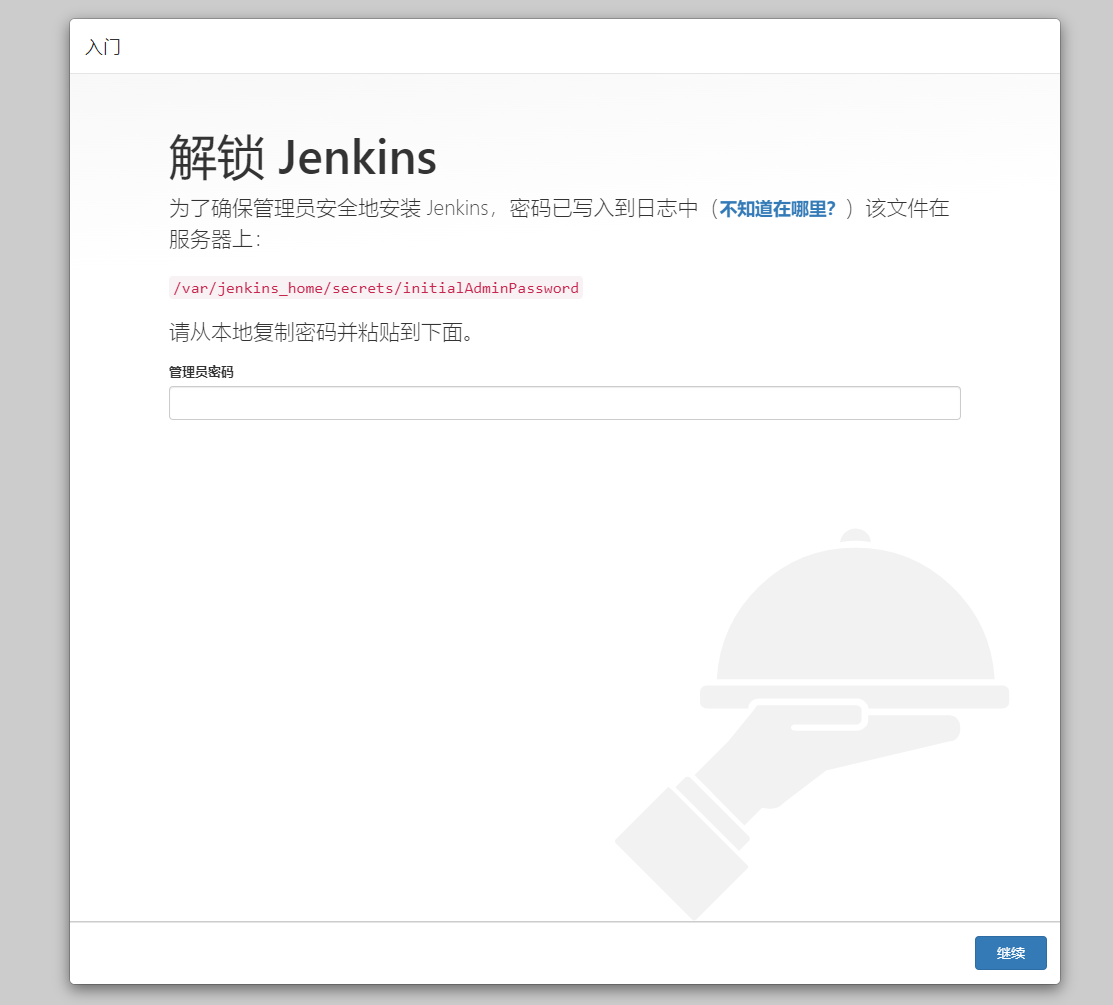
## 进入该界面
|
||
|
||
|
||
|
||
## 然后查看我们jenkin的密码
|
||
|
||
```shell
|
||
cat /usr/local/jenkins/jenkins_home/secrets/initialAdminPassword
|
||
```
|
||
|
||

|
||
|
||
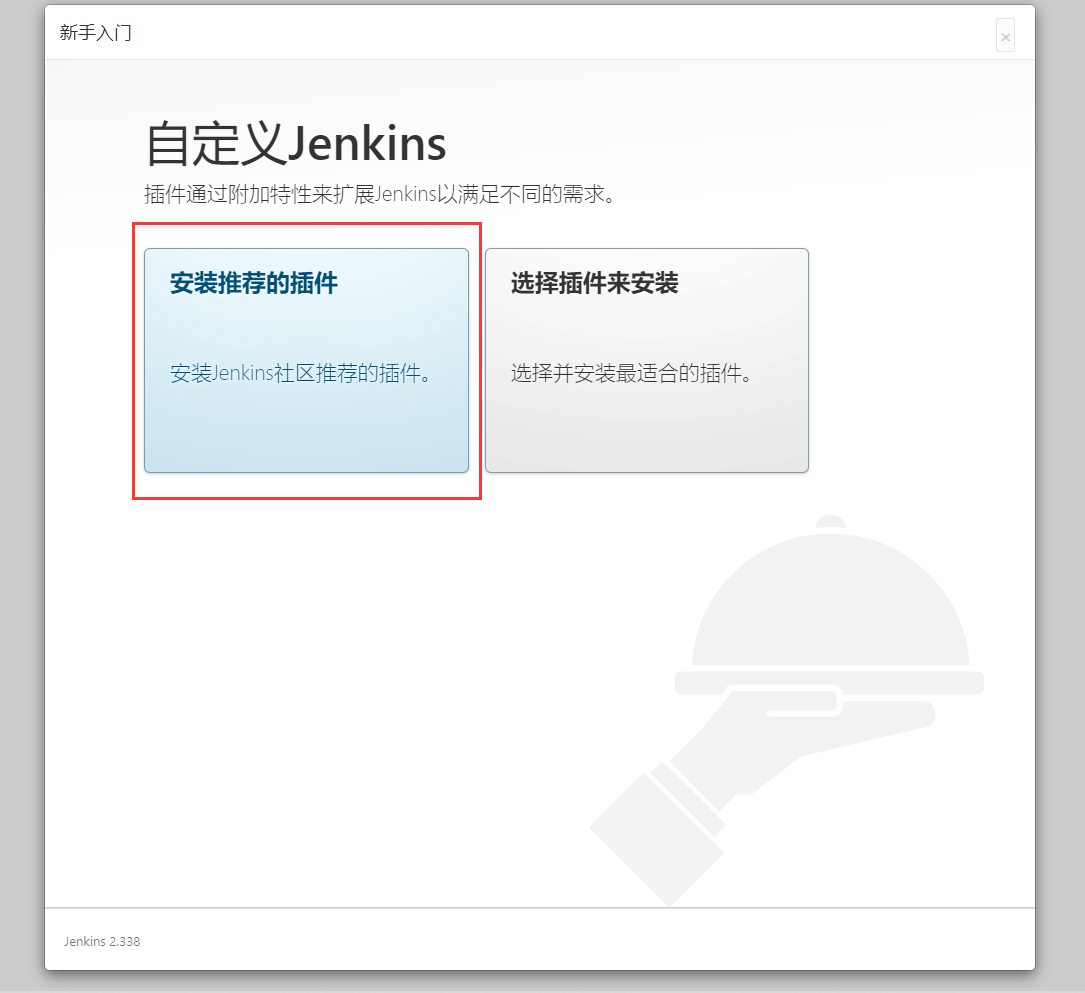
## 到安装插件页面选择推荐安装
|
||
|
||
|
||
|
||
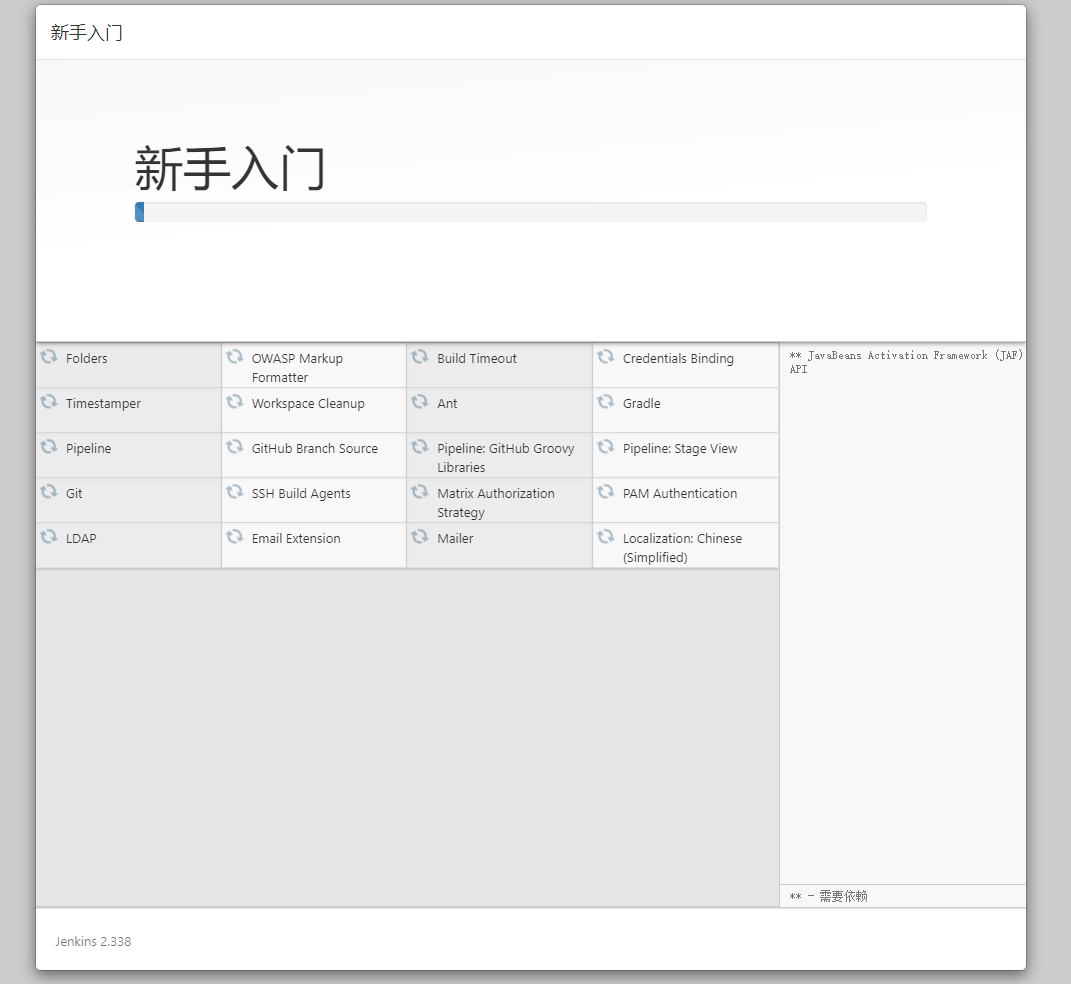
## 等待安装完成
|
||
|
||
|
||
|
||
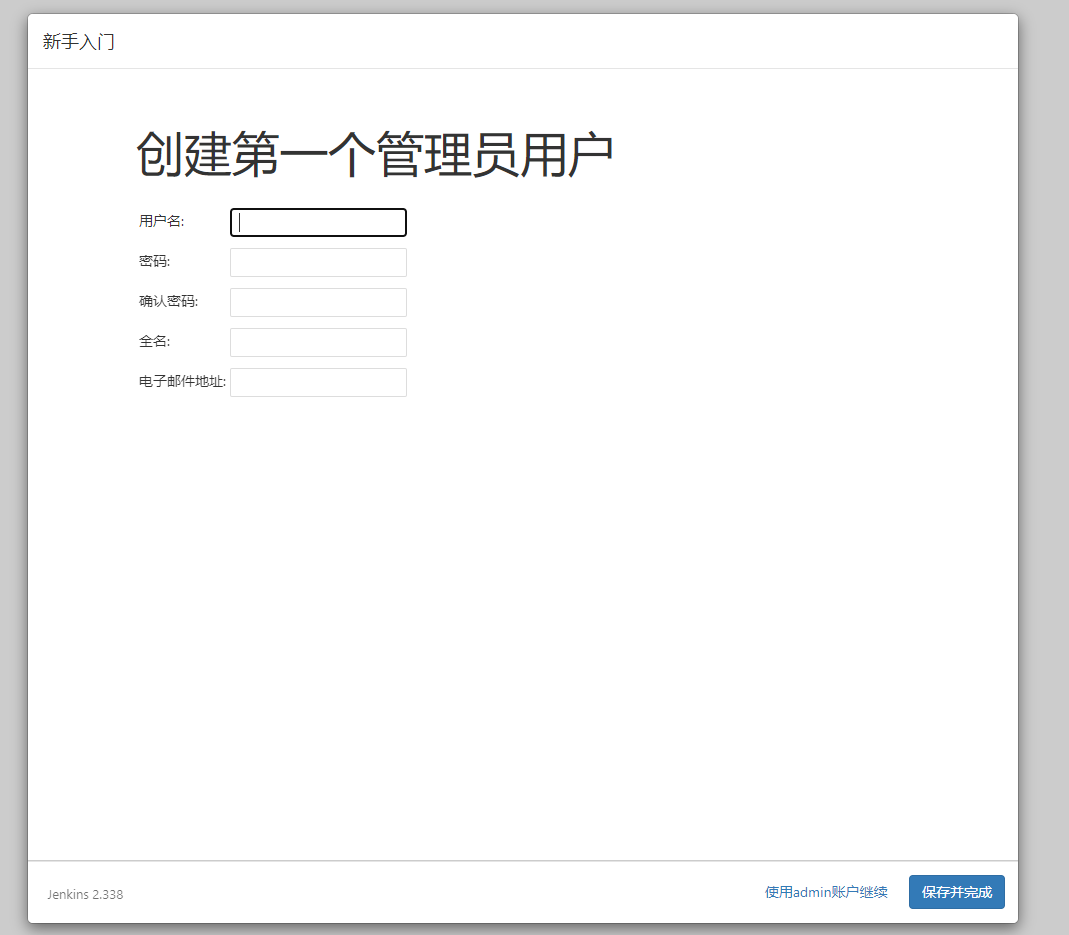
## 创建用户(可选admin账户继续)
|
||
|
||
|
||
|
||
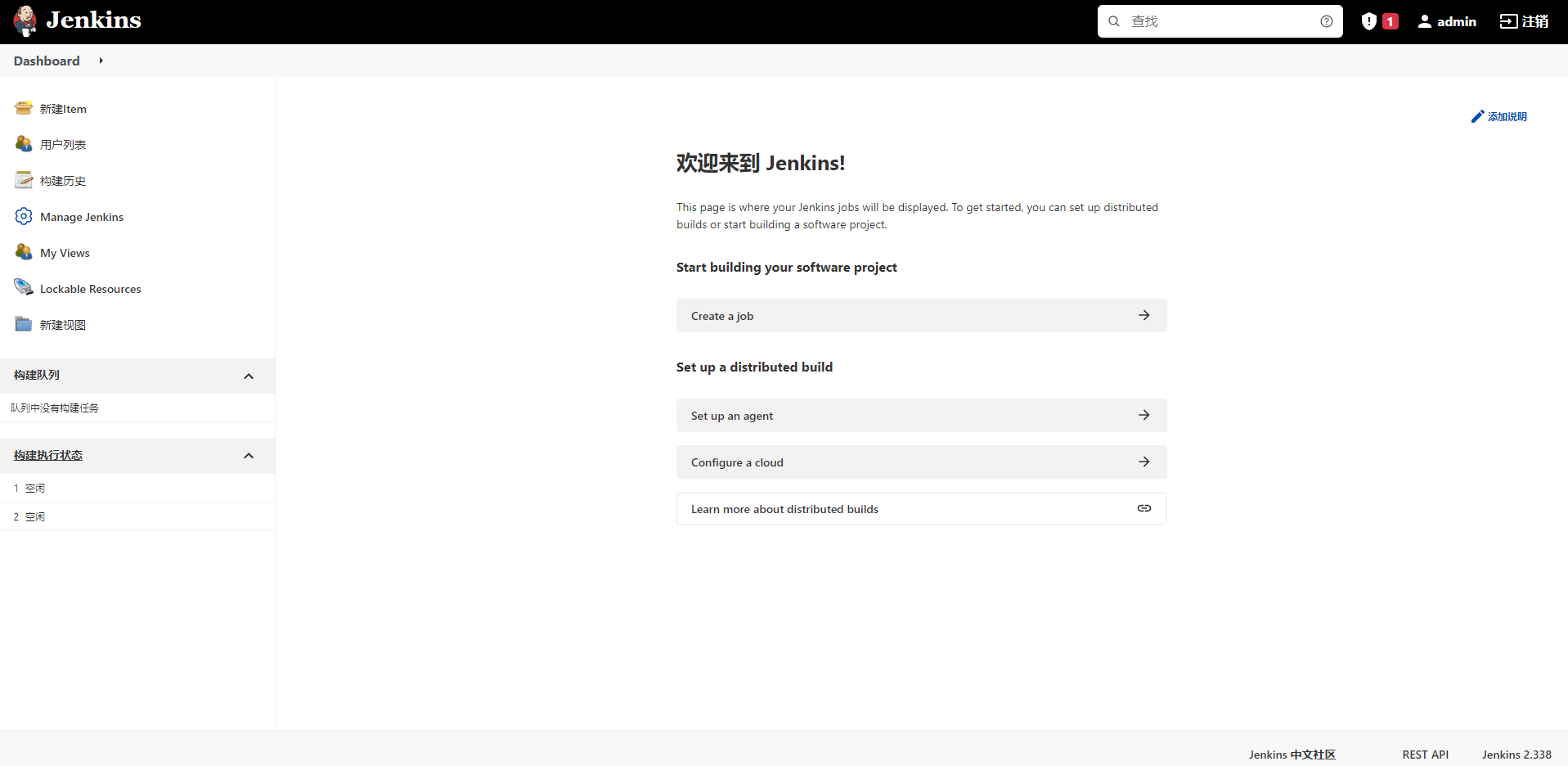
## 直接往下走 进入首页
|
||
|
||
|